Steam Bridge Builder
A downloadable tool for Windows
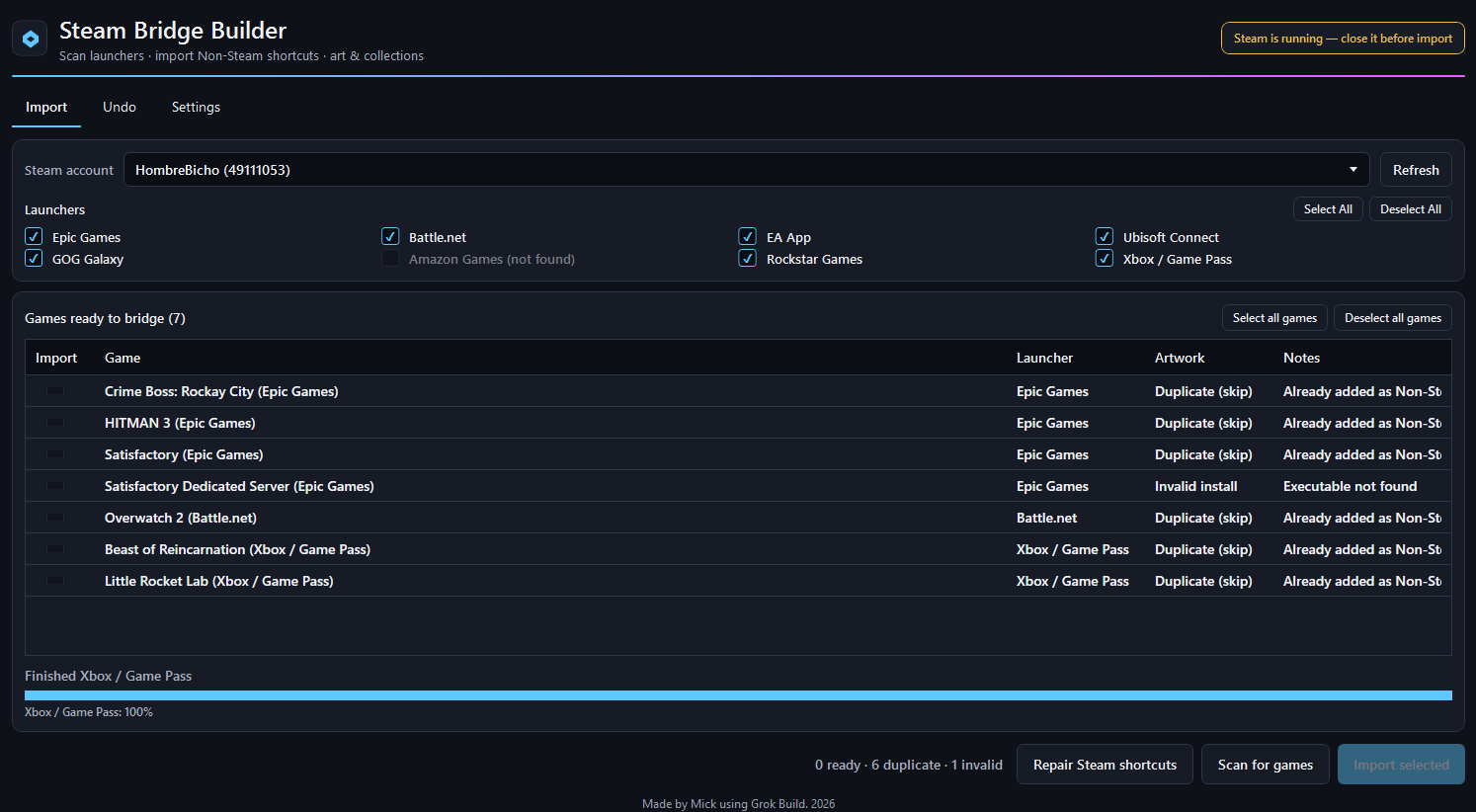
Steam Bridge Builder scans major PC game launchers on your computer, lists the games it finds, and (if you approve) writes them into Steam as Non-Steam shortcuts.
You keep playing through Epic, Battle.net, EA, and the rest — but you can launch everything from one Steam library, with covers and neat collections.
It never modifies your original game installs. It only updates Steam shortcut data, artwork, and library collections (after creating backups).
Features
- Automatic launcher detection (no manual folder picking for supported launchers)
- Epic Games
- Battle.net
- EA App
- Ubisoft Connect
- GOG Galaxy
- Amazon Games
- Rockstar Games
- Xbox / Microsoft Store / PC Game Pass (off by default — turn on if you want)
- Select All / Deselect All for launchers
- Commercial names (not folder or codenames)
- SteamGridDB artwork (grid + icon; hero when available)
- Collections by launcher (e.g. “Epic Games”, “Battle.net”)
- Per-game checkboxes in the preview before anything is written
- Duplicate-safe for the exact same Non-Steam shortcut; Steam library / Family Share titles can still be added (named like
Overwatch 2 (Battle.net)) - Steam must be closed before write (the app checks)
- Timestamped backups of Steam config files before changes
- Undo — remove all or selected shortcuts created by this tool
- Repair — re-apply shortcuts, art, and collections from history
- Dark, simple UI
Requirements
- Windows 10/11 (64-bit)
- Steam installed
- The launchers/games you want to scan (already installed on the PC)
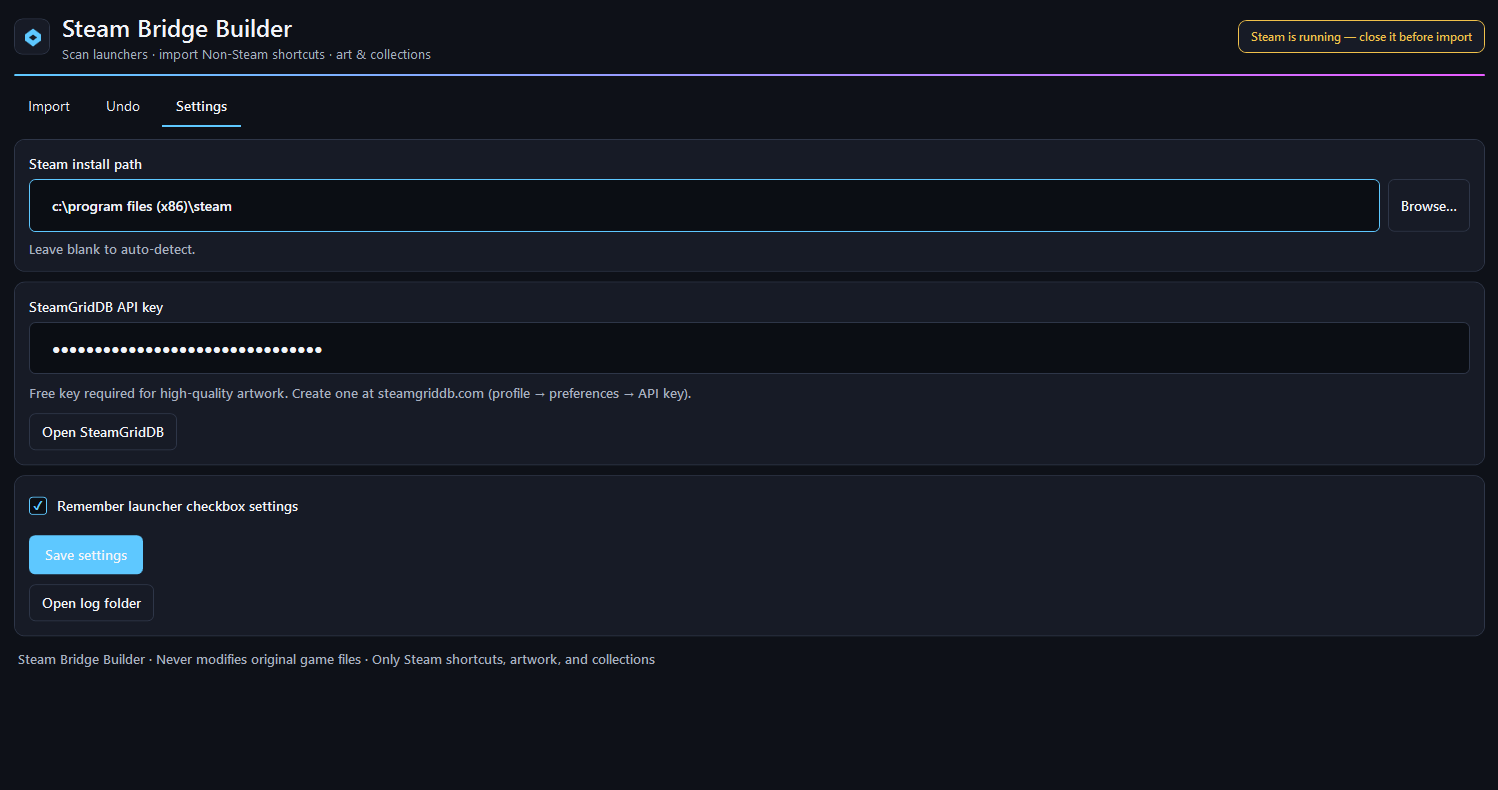
- Optional: free SteamGridDB API key for high-quality artwork (Settings in the app)
- Fully exit Steam (tray icon → Exit — not just close the window).
- Run Steam Bridge Builder.
- Pick your Steam account if you have more than one.
- Check the launchers you want (Xbox stays off unless you enable it).
- Click Scan for games.
- Review the list. Check or uncheck individual games.
- Click Import selected and confirm.
- Start Steam and look for names ending in
(Epic Games),(Battle.net), etc. - Open Collections to see groups by launcher.
- In Settings, paste your free SteamGridDB API key so artwork can download.
- If covers or collections look wrong after an update, exit Steam and use Repair Steam shortcuts.
Download
Click download now to get access to the following files:
Leave a comment
Log in with itch.io to leave a comment.